24% off
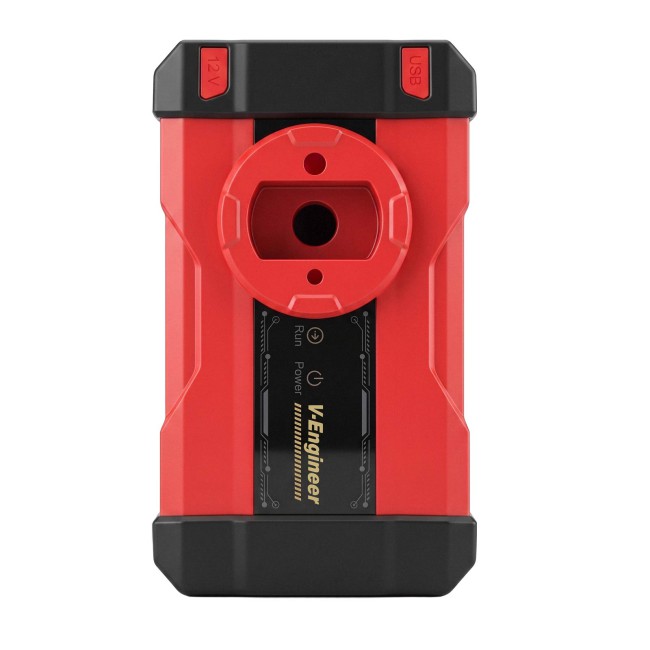
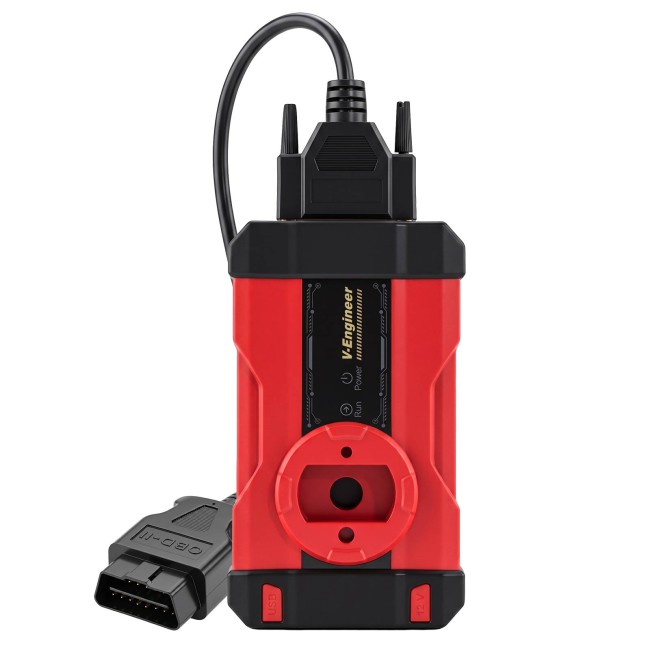
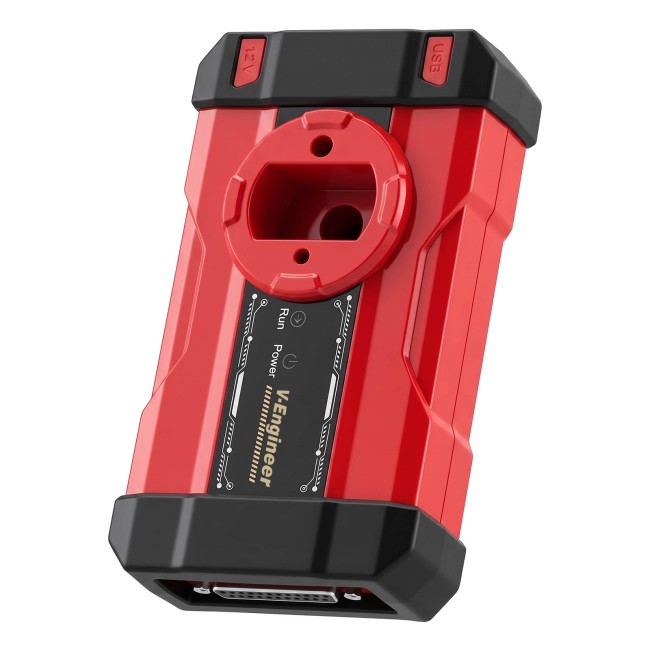
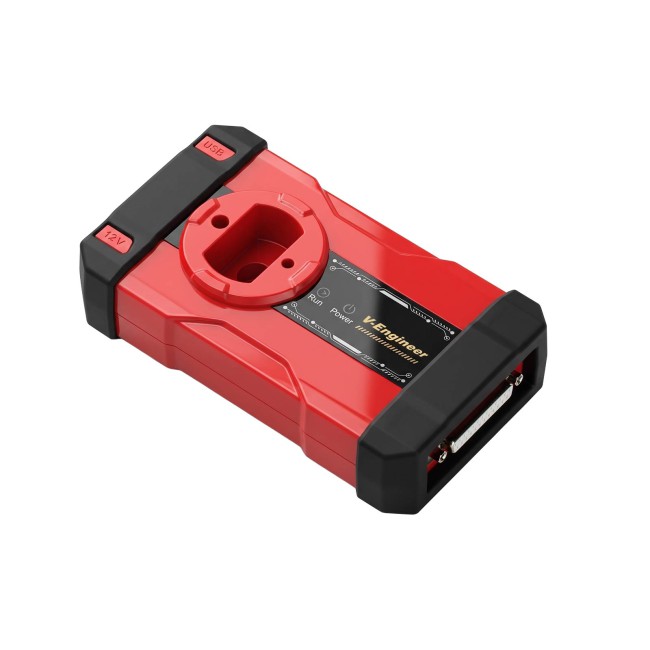
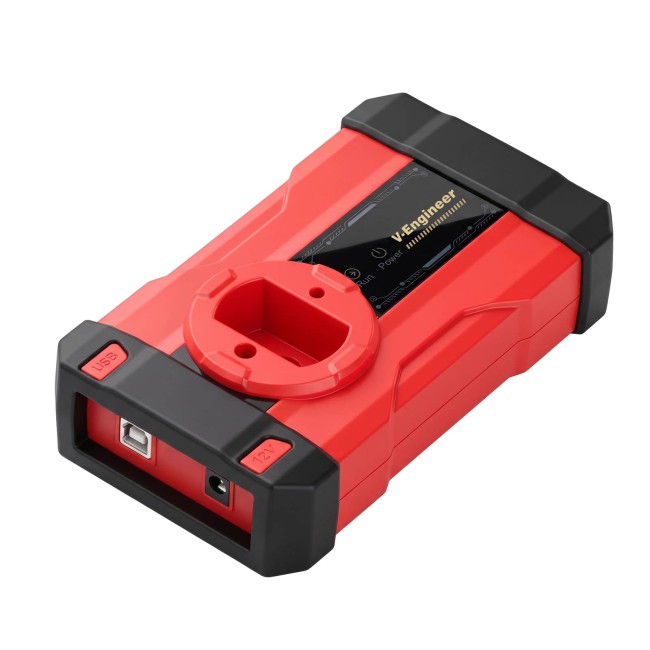
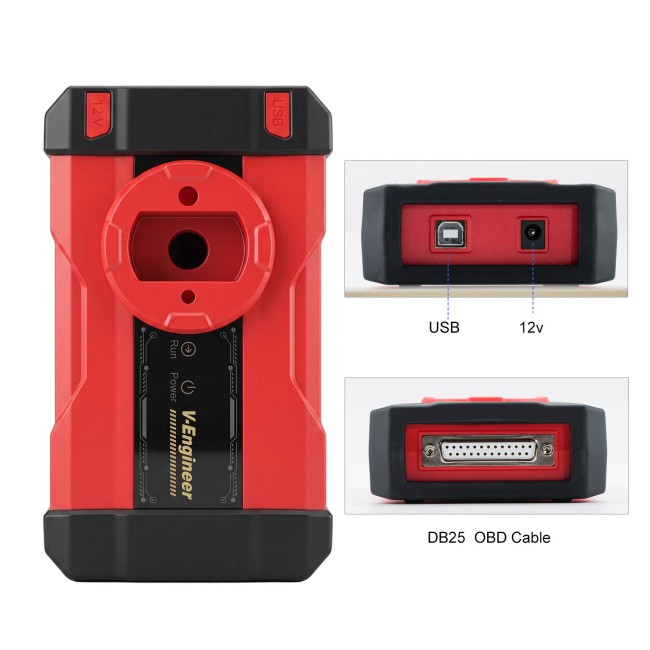
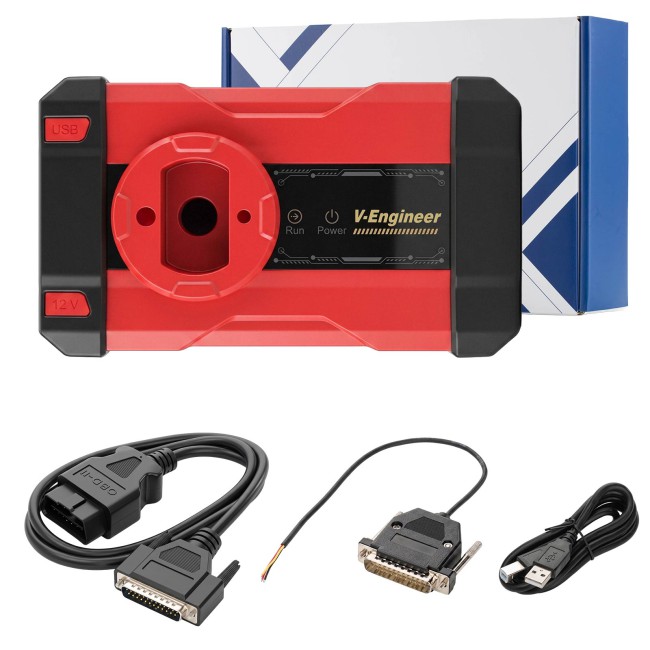


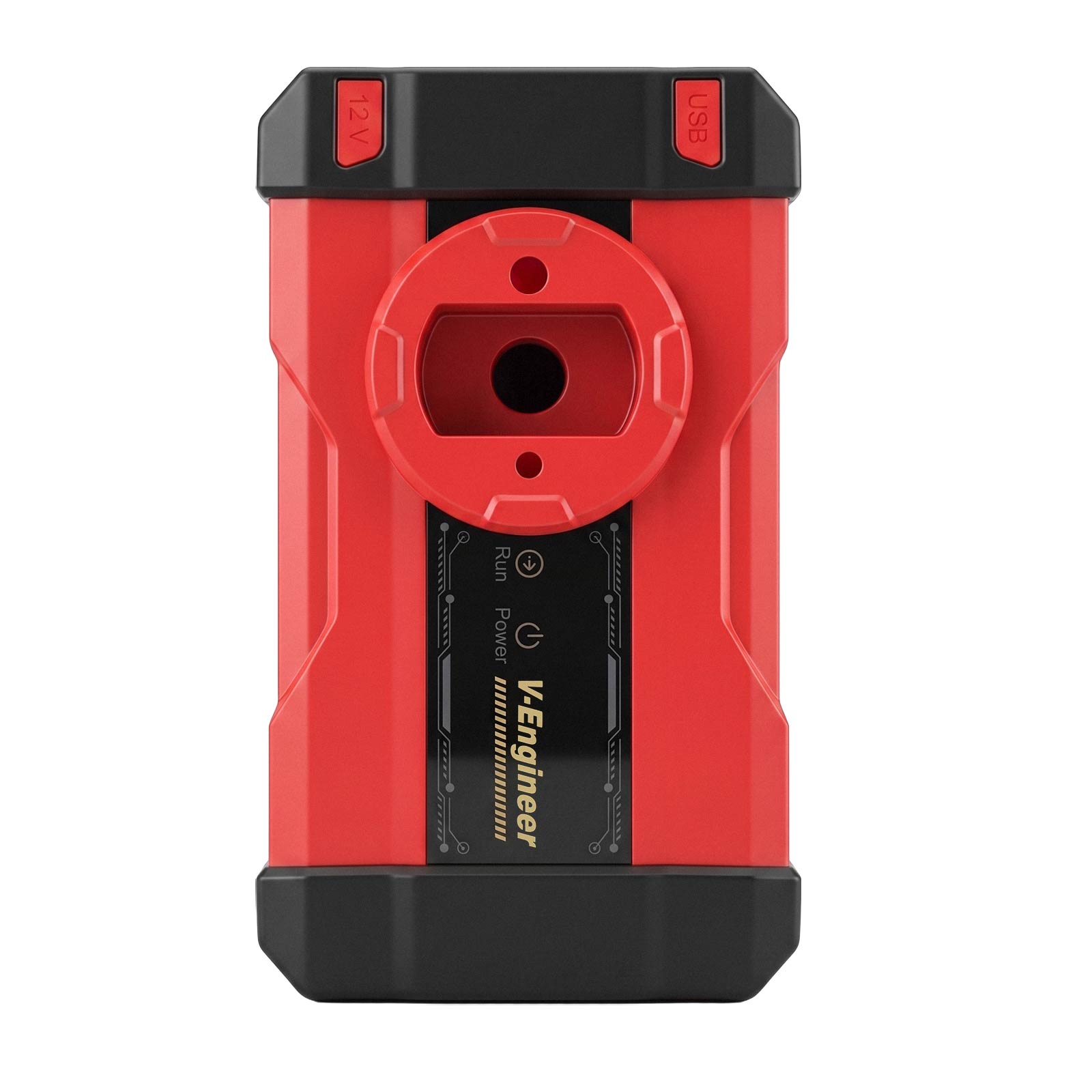
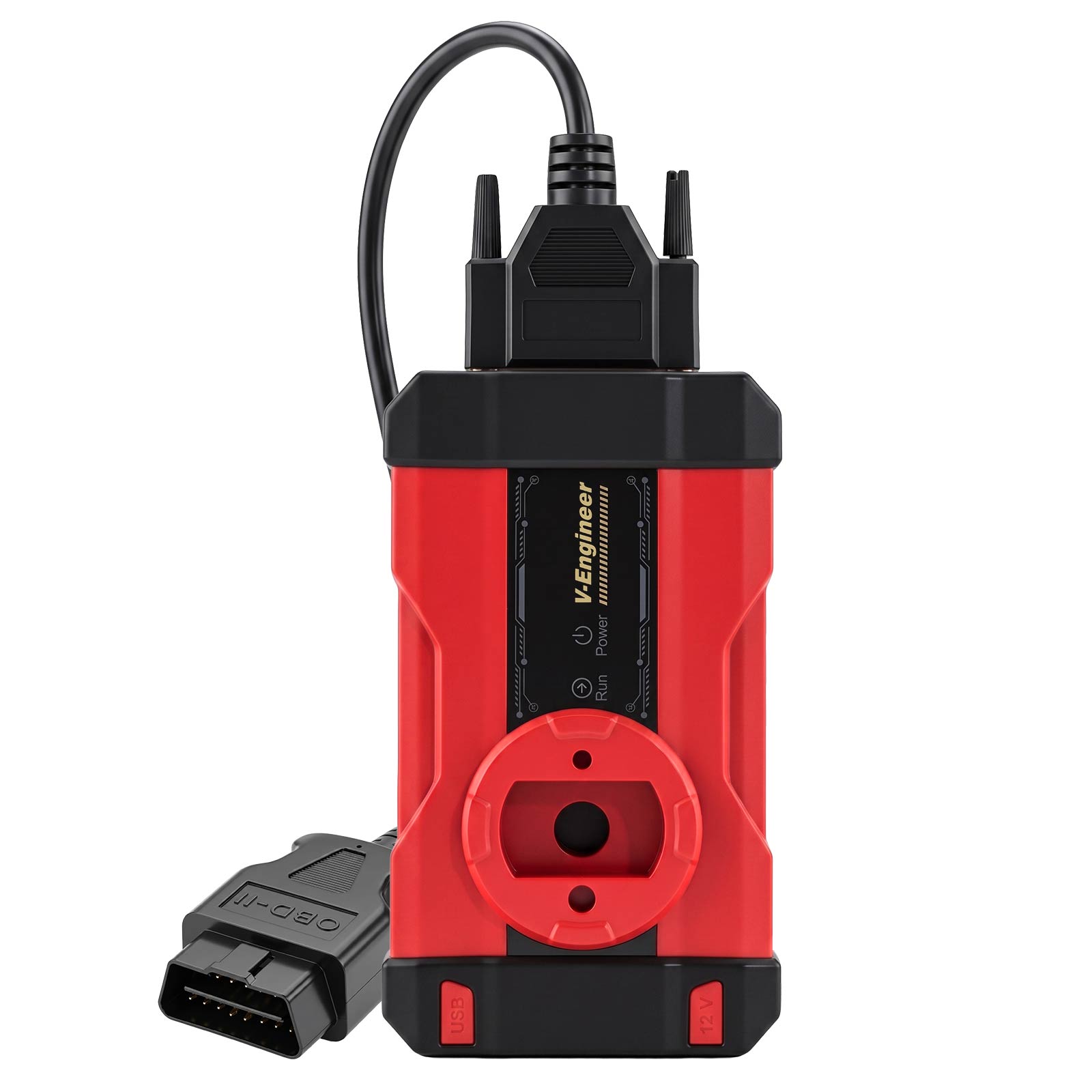
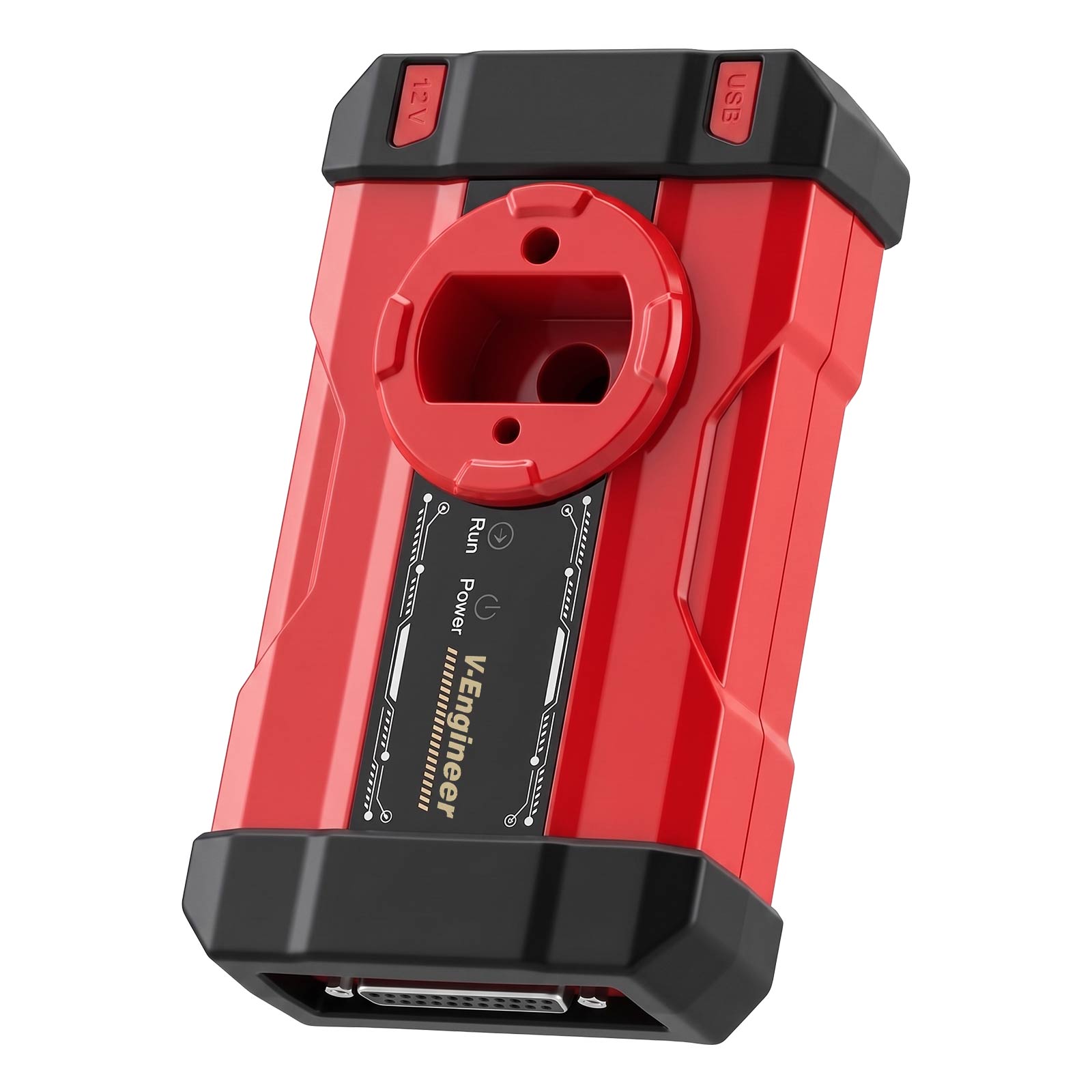
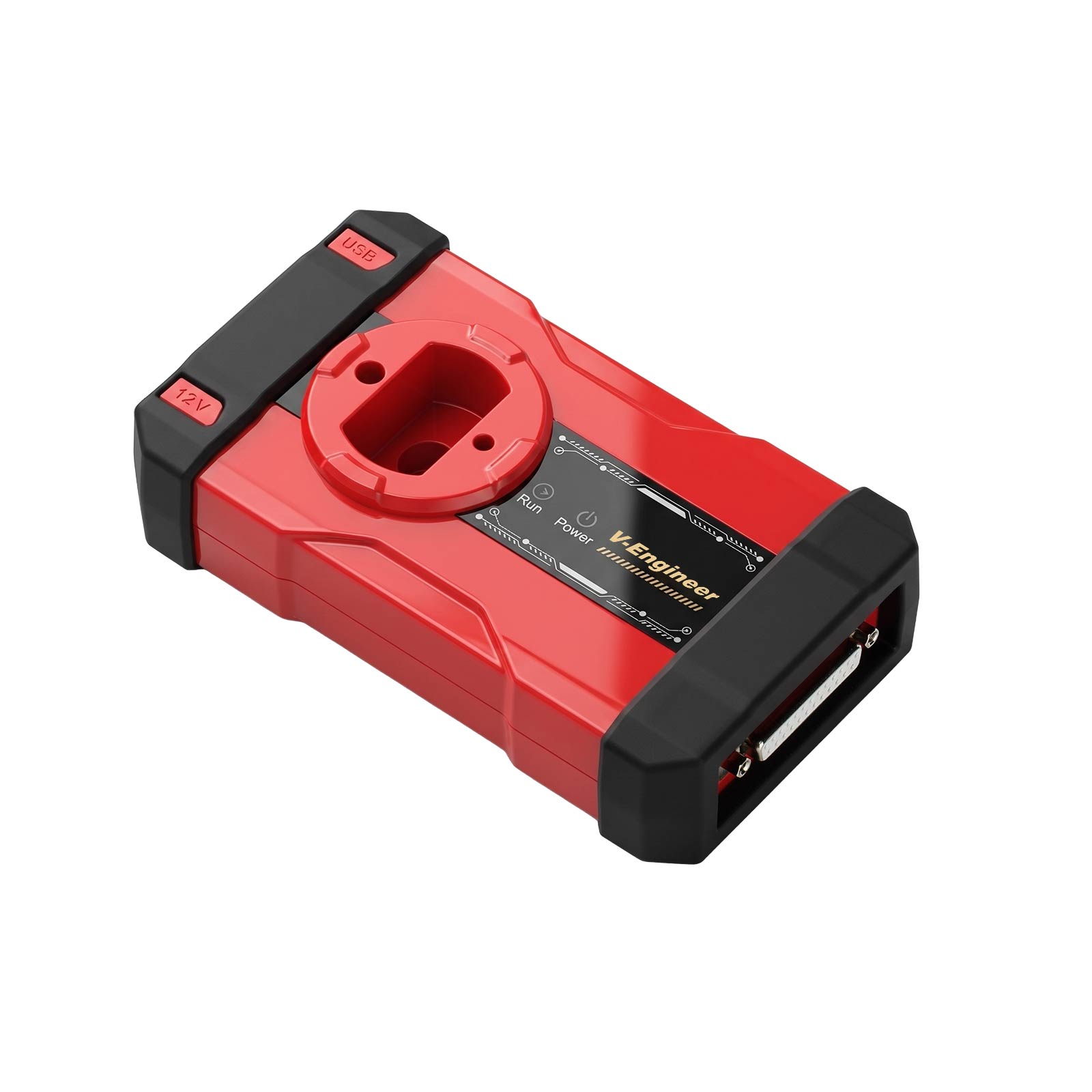
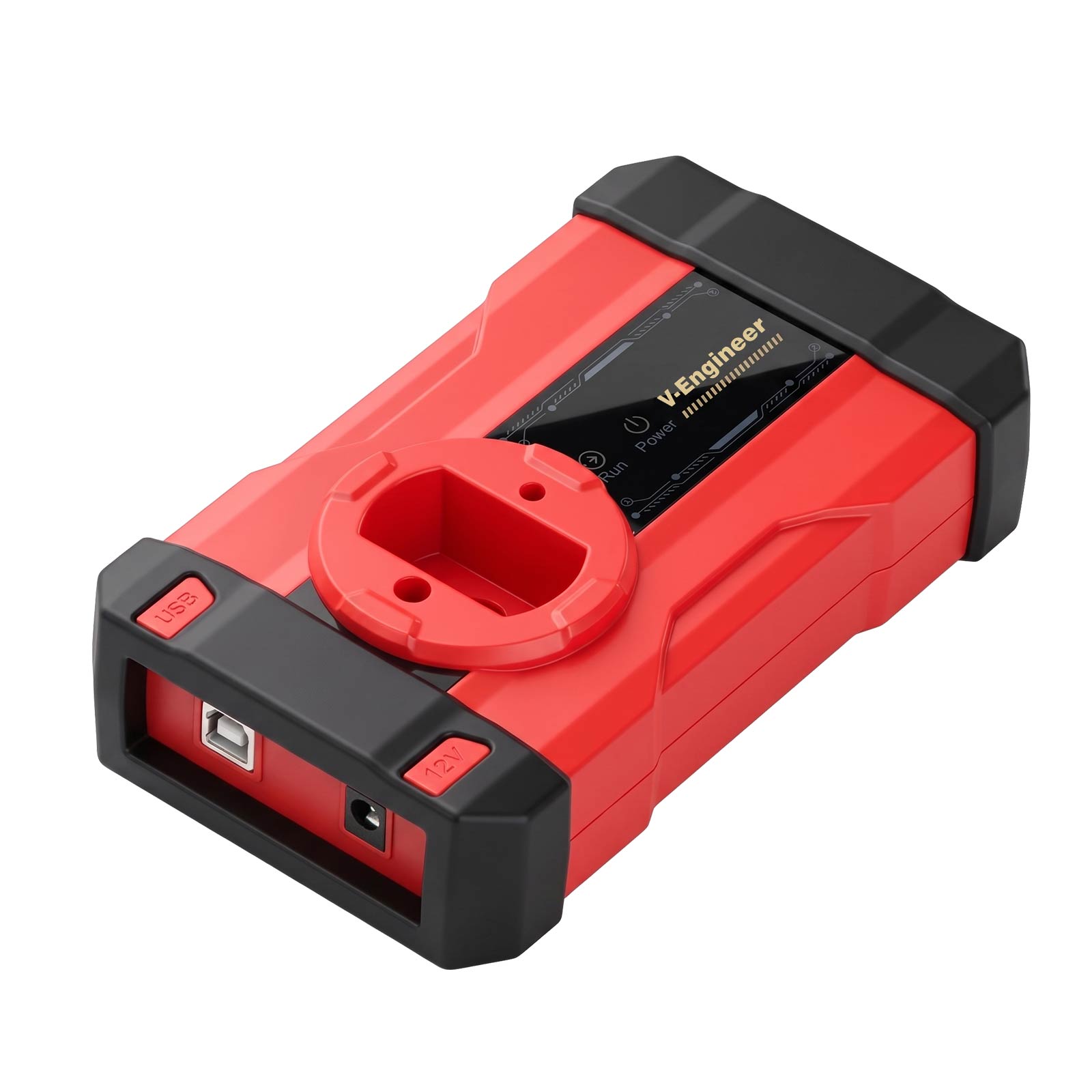
New Arrivals CGDI CG-MLB Programmer Supports Key Adding, Key Data Reading, Key Generating, OBD Learning for MLB/MQB48
Item No. HKSK507
In Stock.
History 1 sold.
Latest price: €199.00Buy Now: €152.00
24% off
Buy FC200 Get Free B48/B58 Unlock Adapter
EU No-Tax Fast Delivery
Contact for Better Price!
WhatsApp: +86 133 7268 9373
Email: sales@cgdi.eu
EU No-Tax Fast Delivery
Contact for Better Price!
WhatsApp: +86 133 7268 9373
Email: sales@cgdi.eu
Shipping:
Free Shipping
Standard Flat Rate Shipping ServiceEstimated delivery time: 7-15 Working Days See details »
Weight:
0.8KG
( 0.36LB )
Package:
30.3cm*21cm*8cm
( Inch: 11.9*8.25*3.14 )
Returns:
Return for refund within 30 days, buyer pays return shipping. See details »
€152.00
In Stock.
Free Shipping
Product Description
CGDI CG-MLB Programmer Supports Key Adding, Key Data Reading, Key Generating, OBD Learning for MLB/MQB48
CGDI CG-MLB Programmer Supports Key Adding, Key Data Reading, Key Generating, OBD Learning for MLB/MQB48
Product Functions:
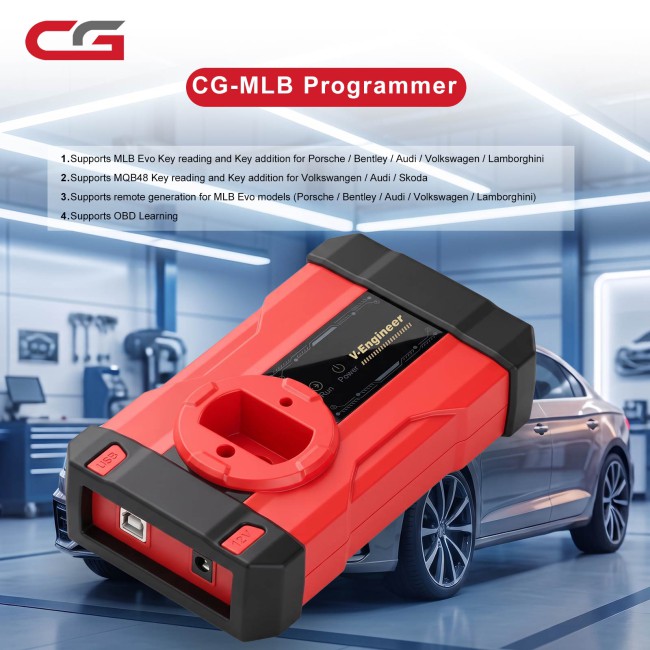
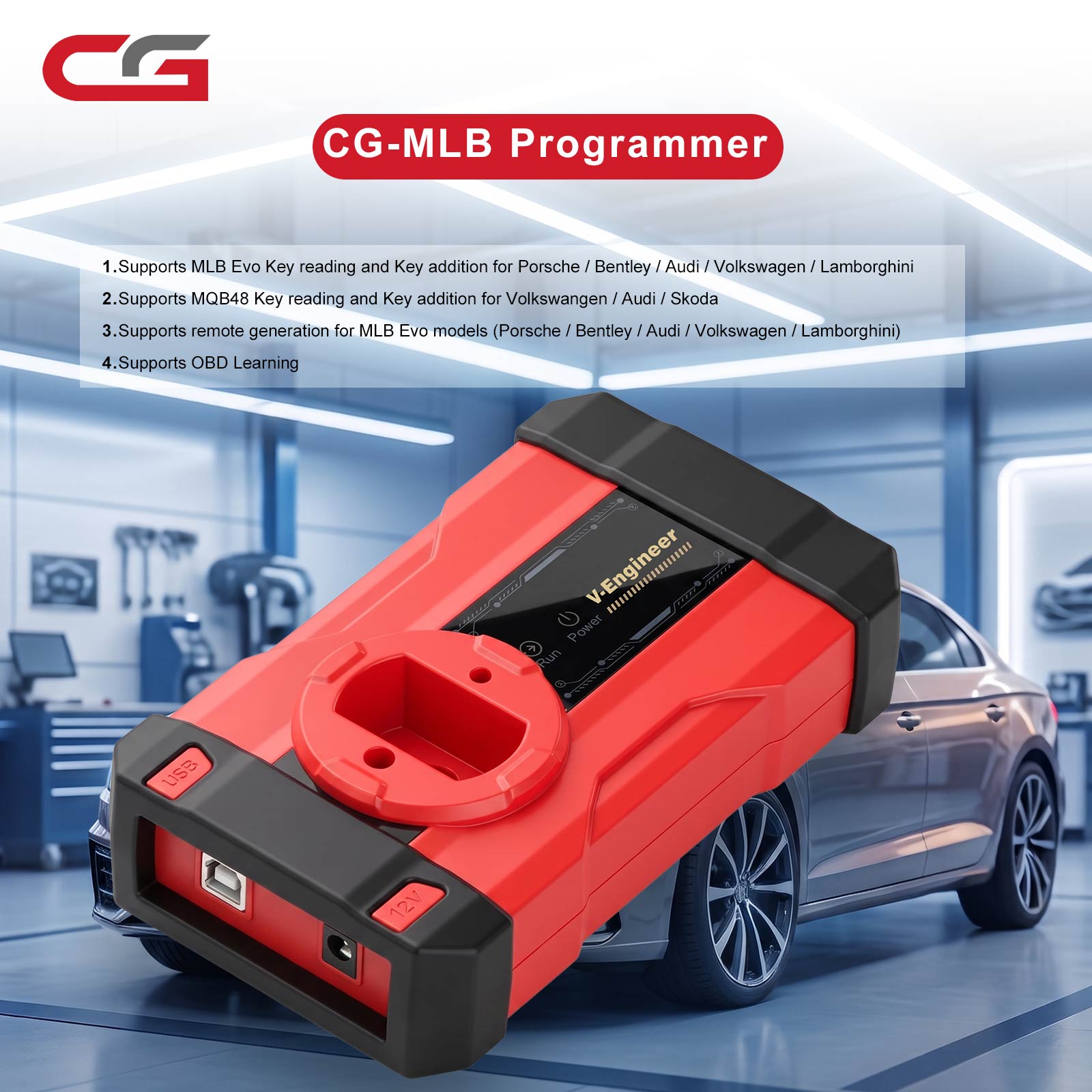
Supports reading keys and adding key functions for Porsche/ for Bentley/ for Audi/ for Volkswagen/ for Lamborghini MLB-EVO.
Product Functions:
Supports reading keys and adding key functions for Porsche/ for Bentley/ for Audi/ for Volkswagen/ for Lamborghini MLB-EVO.
Supports reading keys and adding key functions for Volkswagen/ for Audi/ for Skoda MQB48.
Supports generating keys for Porsche/ for Bentley/ for Audi/ for Volkswagen/ for Lamborghini MLB-EVO models.
Supports OBD learning.
FAQs:
1. What does this need to work with, and does it require specific keys?
Answer: Original keys or aftermarket keys that use the original factory protocol. We factory will also release our own aftermarket remotes.
2. Does it support other manufacturers' aftermarket remotes?
Answer: It supports keys from other manufacturers that follow the original factory protocol. Keys that do not follow the original factory protocol are not supported.
3. Does it only support key addition? Does it require soldering to read the original vehicle key?
Answer: Yes, it is for key addition. If you don't have a solder-free adapter, you will need to solder wires. With a solder-free adapter, simply remove the key board and place it onto the adapter.
4. Can this device complete key reading and matching on its own?
Answer: It requires server-side computation, so an internet connection is needed.
5. Are there any prerequisites for reading data, such as needing credits or a dedicated aftermarket remote?
Answer: One free calculation per day is allowed. Also, free calculations using CGDI aftermarket remote credits are supported.
6. Is there an annual fee?
Answer: No.
7. Can this be connected to a laptop?
Answer: Yes, it connects to a computer or can be used with the K2.
8. How to use it specifically?
Answer: A detailed tutorial will be provided later.
9. Supported vehicle models and key types?
Answer: Currently supports MLB and MQB48.
10. Does it support "all keys lost" (MLB/MQB48)?
Answer: An original key that can start the vehicle (even if the remote part is damaged or the smart function is damaged) must be available.
11. If the car owner does not have the original key, but only has a previously added CGDI aftermarket remote that can start the vehicle normally, can that CGDI key data be read directly to add an MQB48 key?
Answer: Yes.
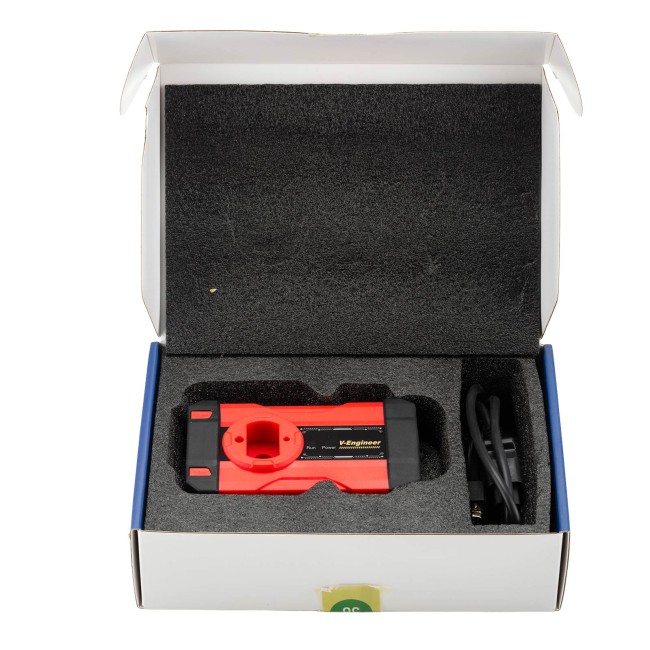
Package includes:
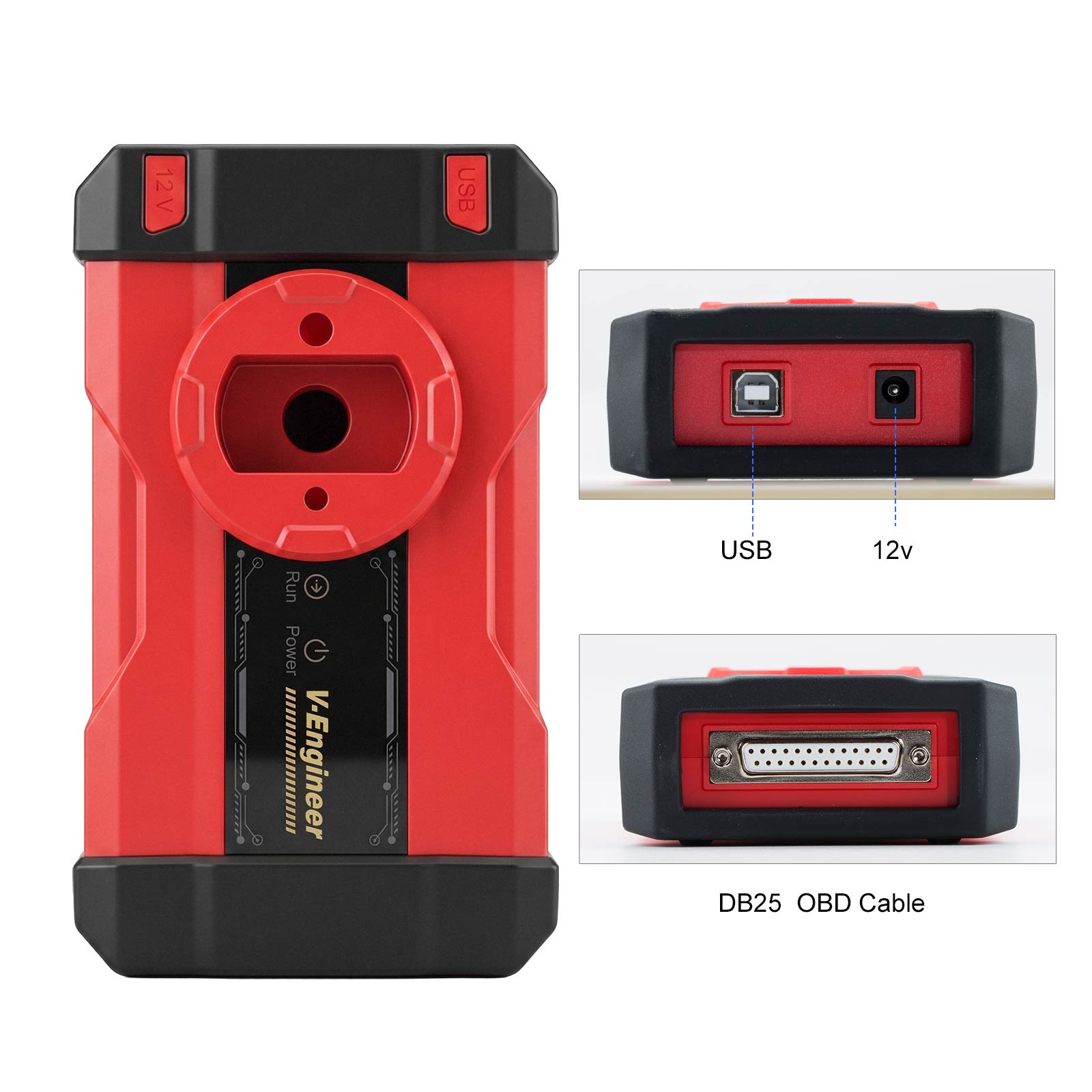
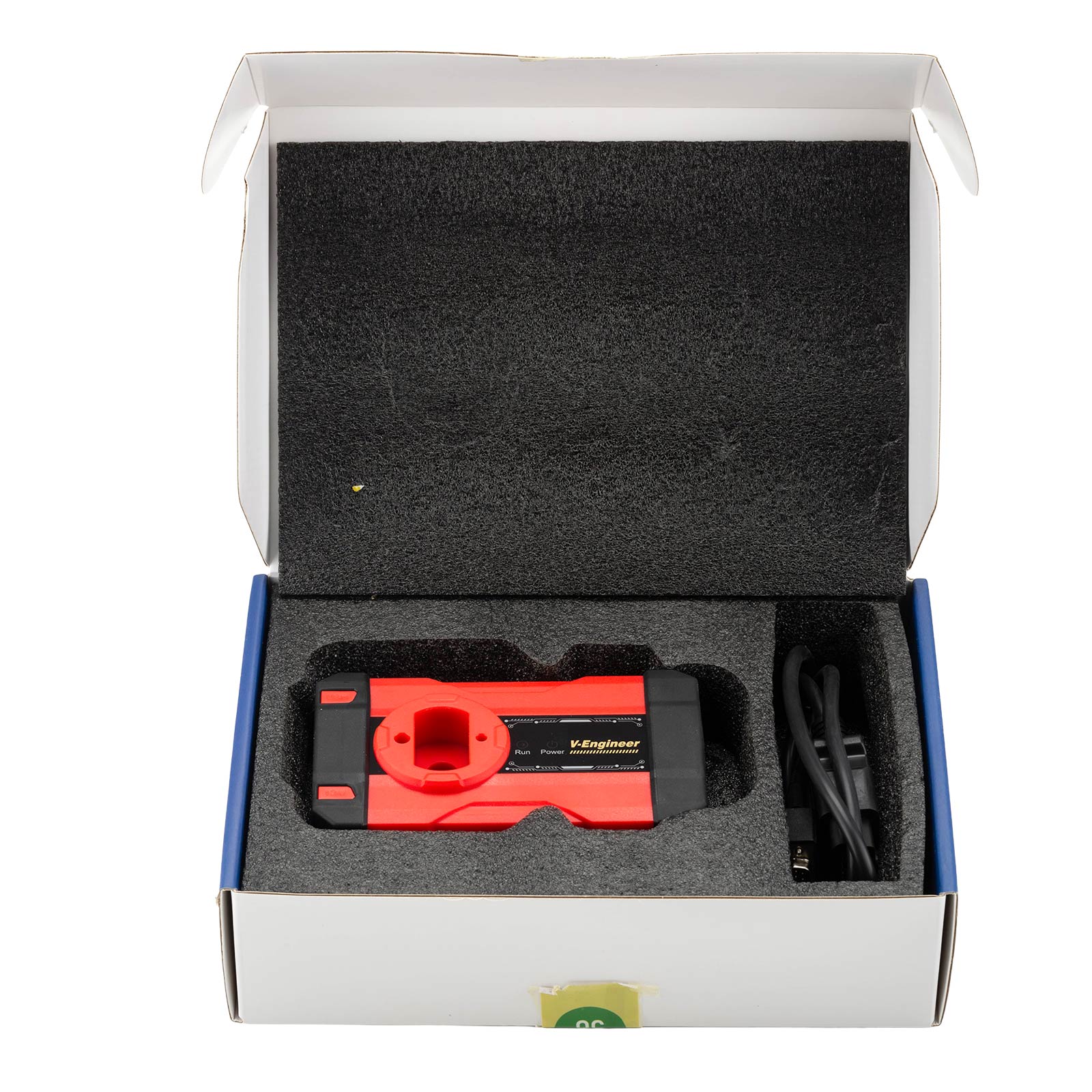
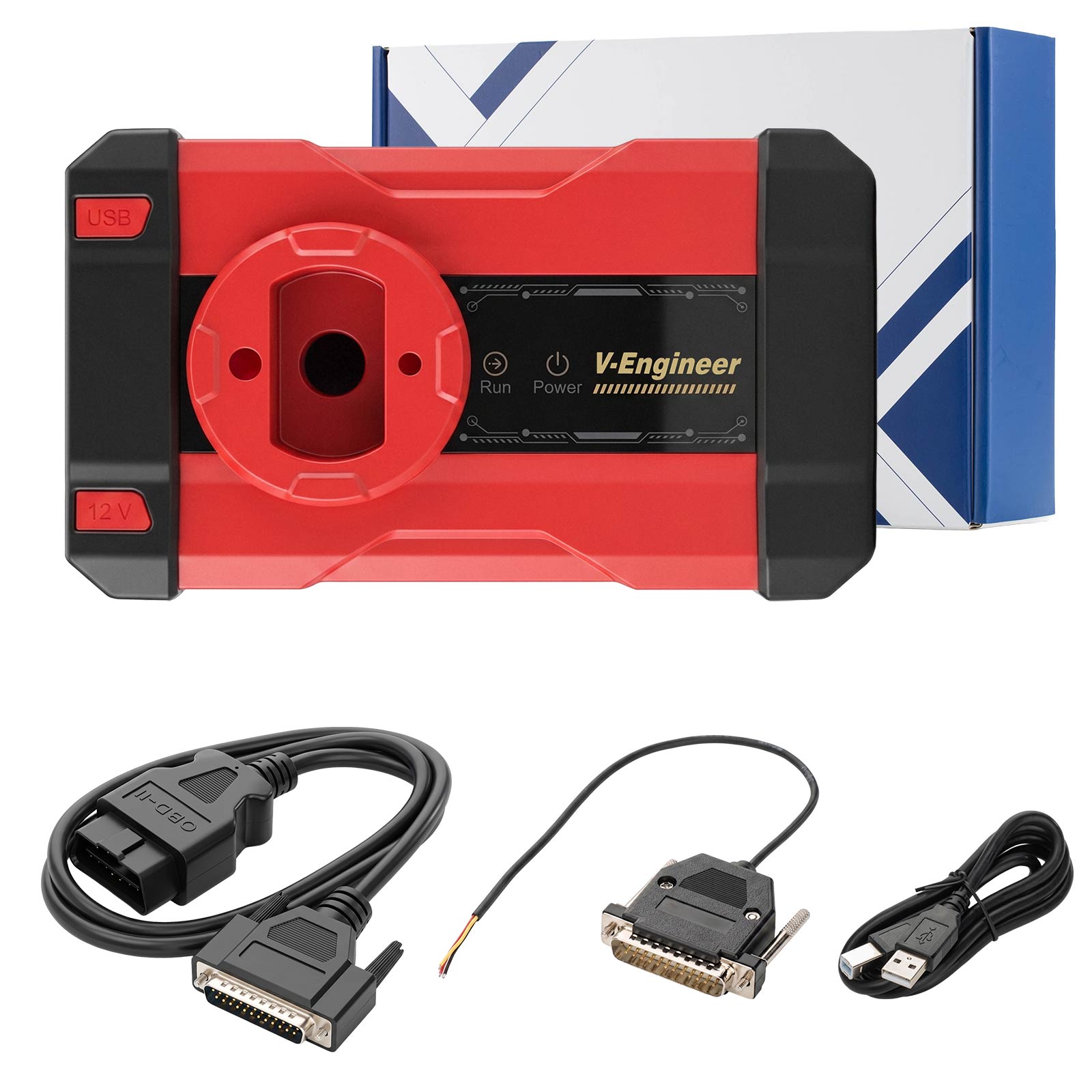
1pc x CGDI CG-MLB Programmer Host
1pc x DB25 Programming Cable
1pc x DB25 OBD Cable
1pc x USB Cable
1pc x DB25 Programming Cable
1pc x DB25 OBD Cable
1pc x USB Cable
Contact Us:
Email: Sales@CGDI.eu
WhatsApp : +86 133 7268 9373
Shipping Policy
1. Czech and UK Warehouse Shipping: 3-5 working days. Fast Delivery & Tax Free.
EU Check: Ship from Czech
UK Check: Ship from UK
2. DHL Shipping: Suitable for customers worldwide. Will take 3-5 working days.
3. Yanwen Express: TAX Free for European Countries. Will take 7-10 working days normally.
More shipping details check.
TechService
If you've recently acquired the CG-MLB Programmer, properly configuring your software is the essential first step toward programming keys for high-end VAG group vehicles.This comprehensive guide walks you through everything you need to get your CG MLB tool up and running — including software download, step-by-step installation, account registration, and password recovery.
Overview & Supported Vehicle Functions
CG-MLB is a dedicated key programming tool built for advanced VAG (Volkswagen Auto Group) immobilizer platforms.
Key Features & Capabilities:
MLB-EVO Key Programming – Supports key data reading and key addition for Porsche, Bentley, Audi, Volkswagen, and Lamborghini MLB-EVO immobilizer systems.
Dealer Key Generation – Generates dealer-level keys for Porsche, Bentley, Audi, VW, and Lamborghini models.
OBD Key Learning – Enables direct key learning through the OBD diagnostic port.
Key ID Modification – Allows modification and writing of vehicle key IDs.
MQB48 Support (Coming Soon) – Future updates will enable key reading and adding for VW, Audi, and Skoda MQB48 platform systems.
Step 1: Free Download CG MLB Software (V1.3.1.0)
Be sure to download the official software build to access the latest vehicle database, firmware updates, and online calculation protocols.
Software Version: 3.1.0 (Build 260727)
Download Link: Download CG-MLB Software V1.3.1.0
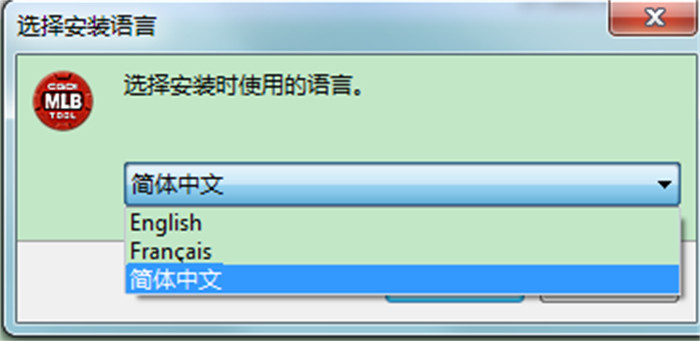
Supported Languages: English, French, Simplified Chinese
Step 2: Software Installation Setup
Follow these simple steps to install the software on your Windows PC:
Locate and extract the downloaded ZIP archive file.
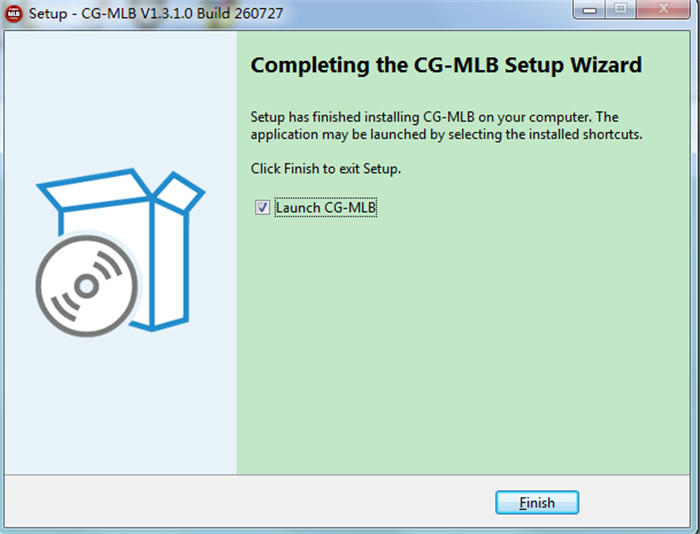
Double-click the installer setup file: CG-MLB_Setup_V1.3.1.0 Build 260727.exe.
Choose your preferred language (English, French, or Simplified Chinese) and click OK.
Select the destination folder on your hard drive where you want the software installed.
Select any additional tasks (such as creating a desktop shortcut) and click Next.
Click Install and wait for the progress bar to complete.
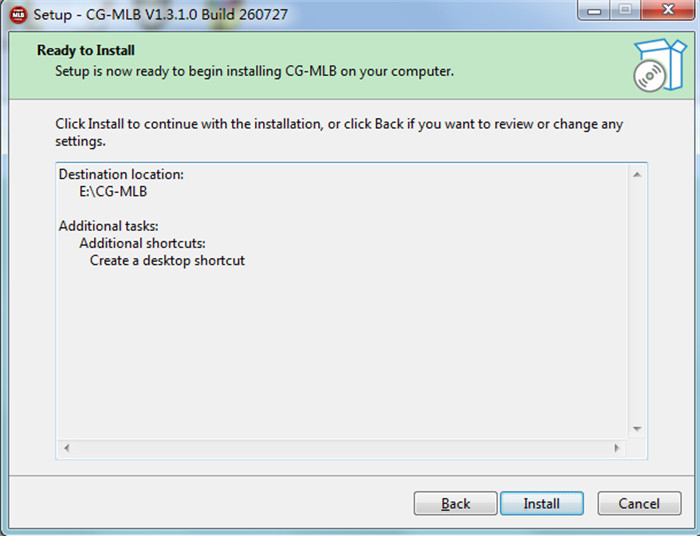
Click Finish to finalize the installation.
Step 3: Register a New CGDI Account
An active account is required to connect to CGDI online servers for key calculations and token redemptions.
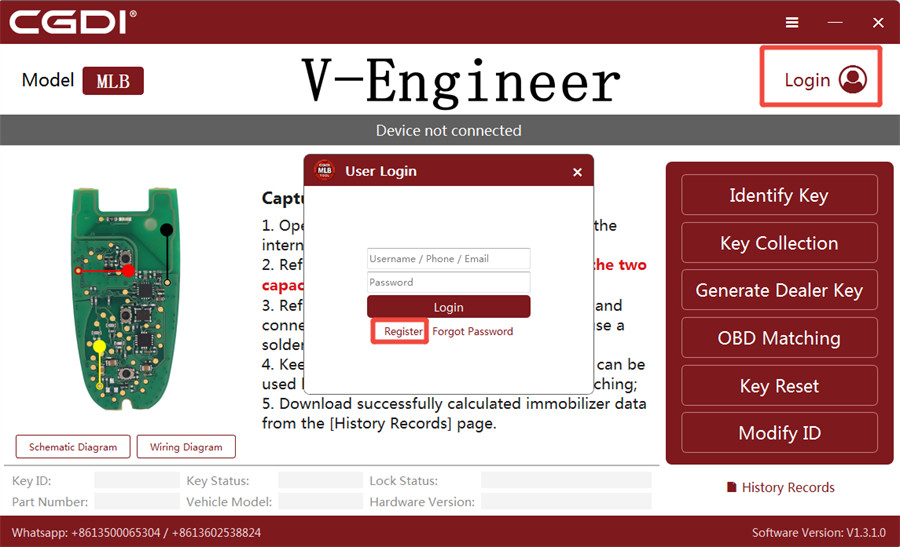
Launch the CG-MLB software on your desktop.
Click Login in the top-right corner of the software interface.
Click Register to create a new user account.
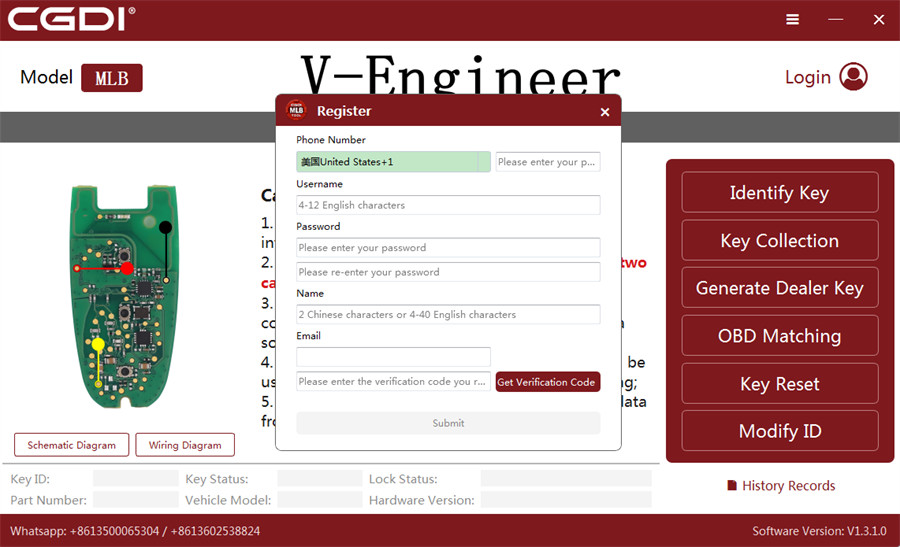
Fill in the required information:
- Phone Number
- Username
- Password & Password Confirmation
- Full Name
- Email Address
Enter the security code received via SMS or email, then click Submit to activate your account.
Step 4: Login & Password Reset Instructions
How to Log In
Once registered, log into the CG-MLB desktop application by entering your Username / Phone / Email along with your Password.
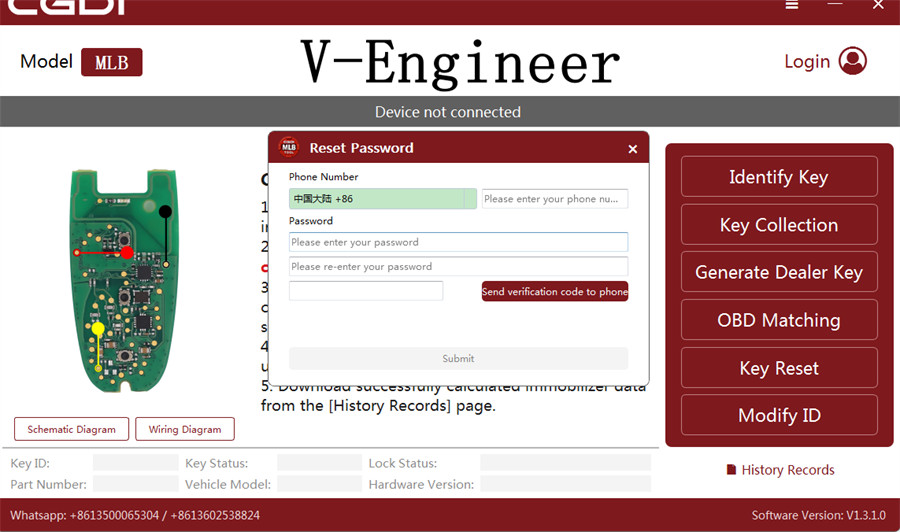
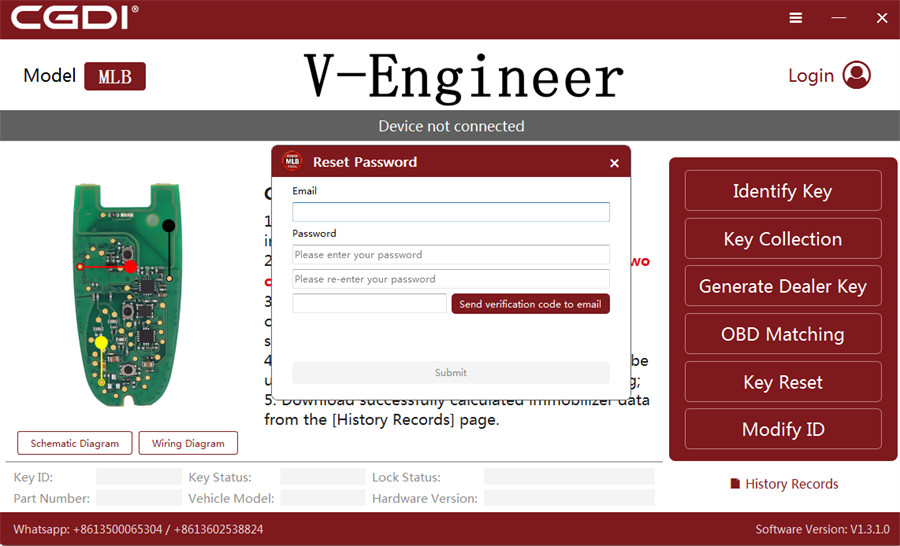
How to Reset a Forgotten Password
If you forget your login password, you can quickly reset it directly within the application:
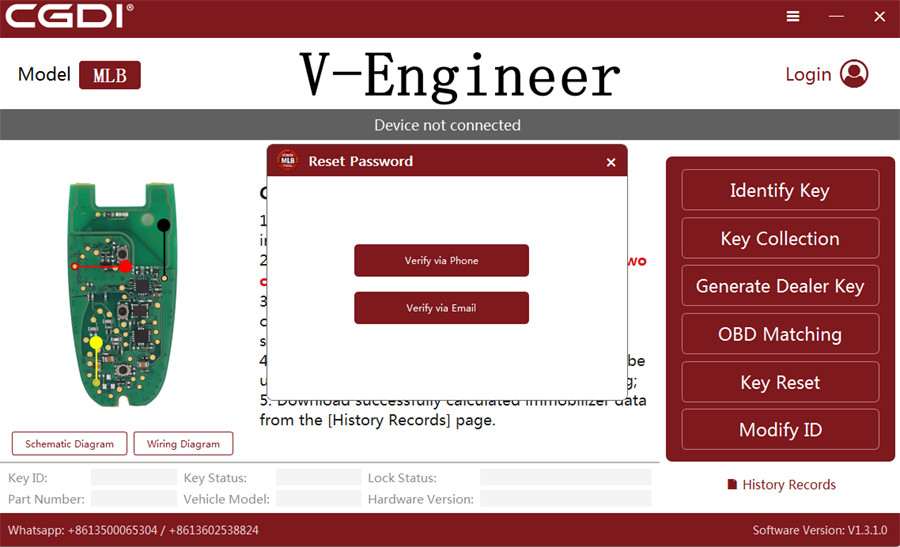
Click Forgot Password on the login screen.
Choose your verification method: Verify via Phone or Verify via Email.
Enter your registered phone number or email address, along with your New Password.
Click Send verification code to receive it via your chosen method.
Enter the verification code and click Submit.
Your password will be updated immediately, allowing you to log back in.
Tags: CG MLBNew Arrivals