Newsletter
How to Learn VW MQB 5C/5D Key with CGDI A2
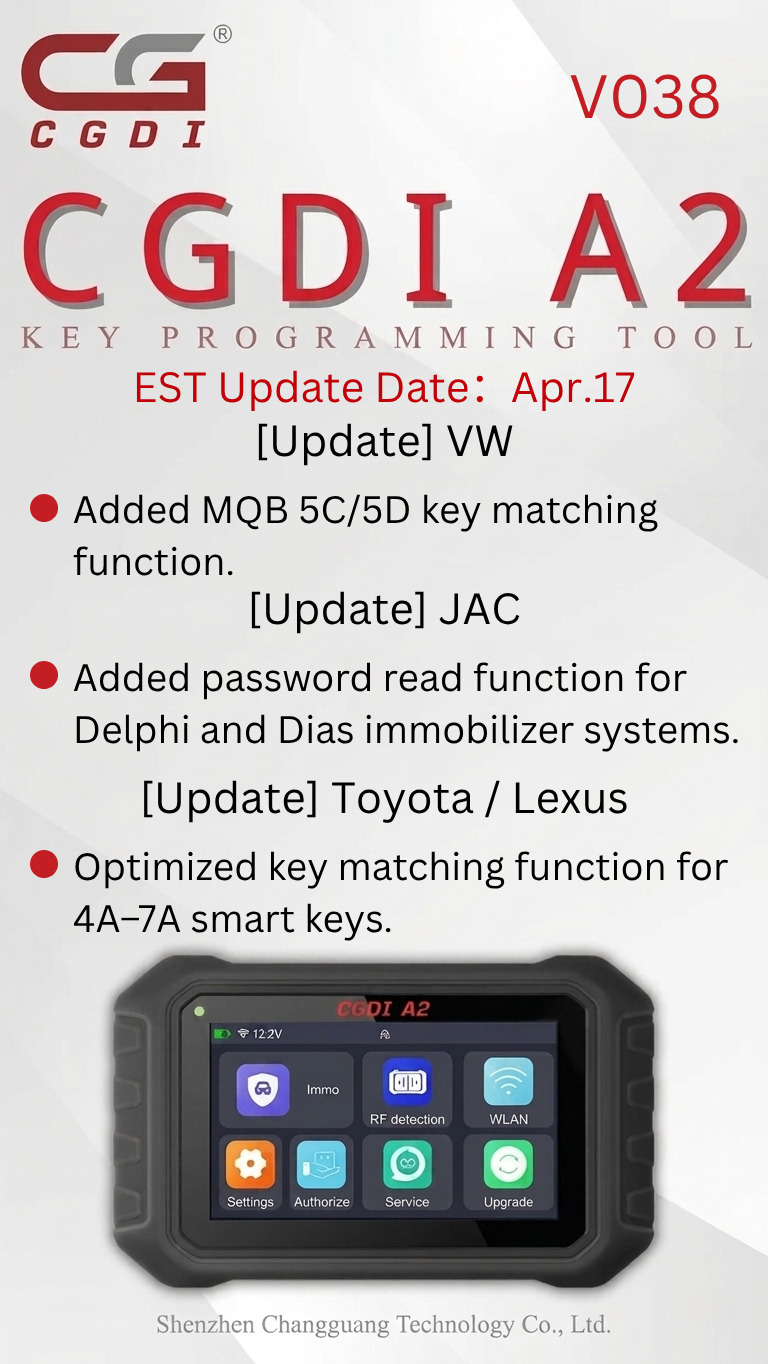
CGDI A2 Programmer added the VW MQB 5C/5D key learning function in the latest V038 software update.
Here's a step-by-step guide to complete the key matching procedure successfully.
What's New in CGDI A2 V038?
Added VW MQB 5C/5D key matching function
Added password reading function for Delphi and Dias immobilizer systems
Optimized key matching function for 4A–7A smart keys
How to Learn VW MQB 5C/5D Key by CGDI A2
1. Connect the CGDI A2 tablet to the vehicle using the OBD cable.
2. On the device, select:
AUDI / VW / SKODA / SEAT → MQB 5C/5D
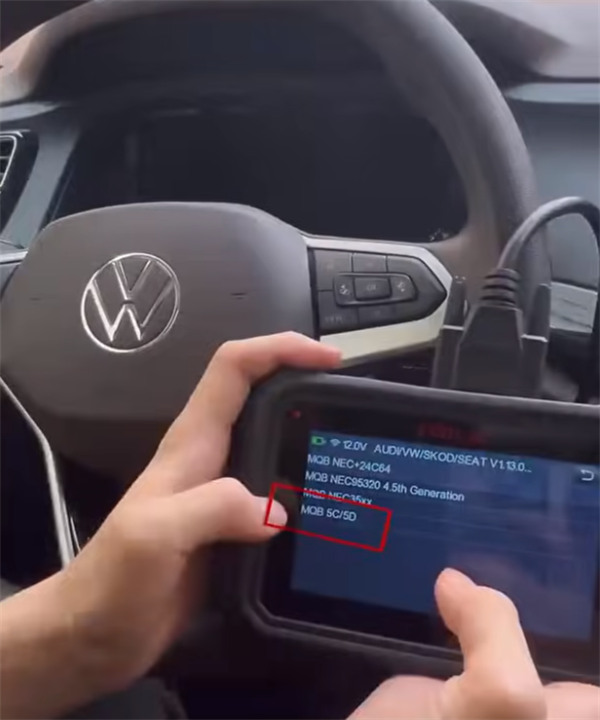
3. Follow the on-screen instructions to continue the operation.
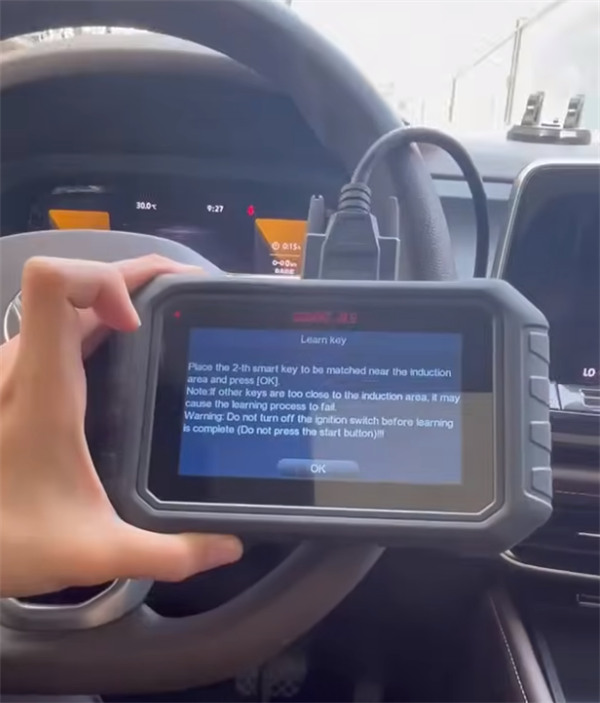
4. Place the second smart key that needs to be programmed near the induction area, then press "OK".
Note: Keep other keys away from the induction area, otherwise the learning process may fail.
Warning: Do not switch off the ignition before the learning process is completed. Do not press the Start button.
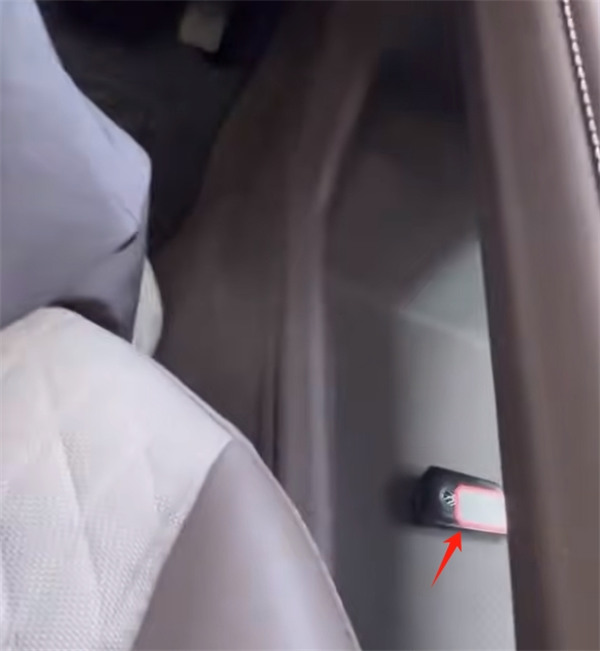
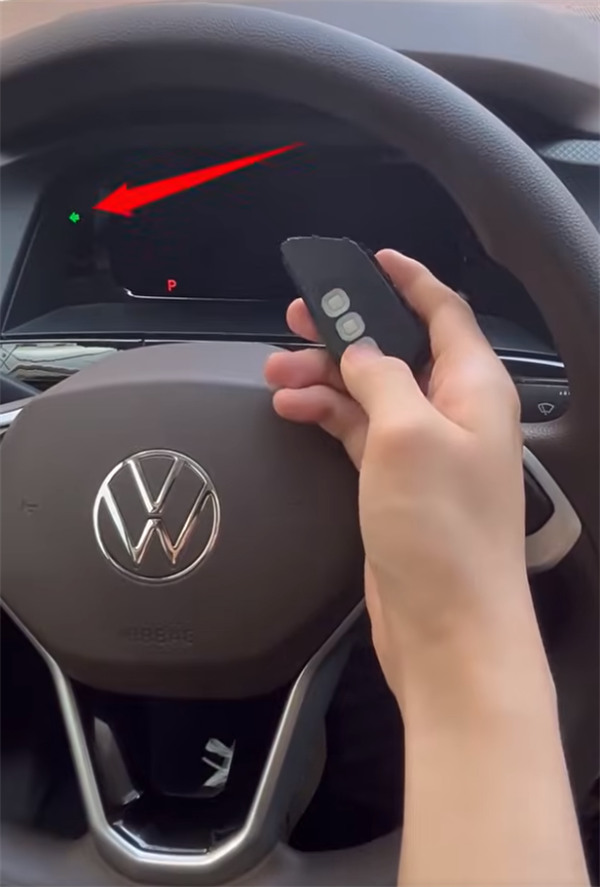
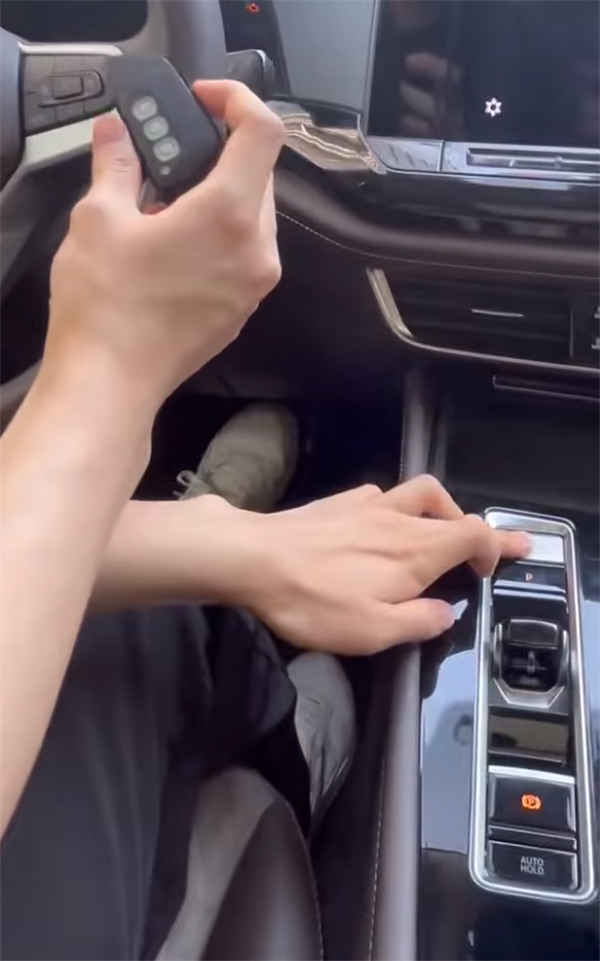
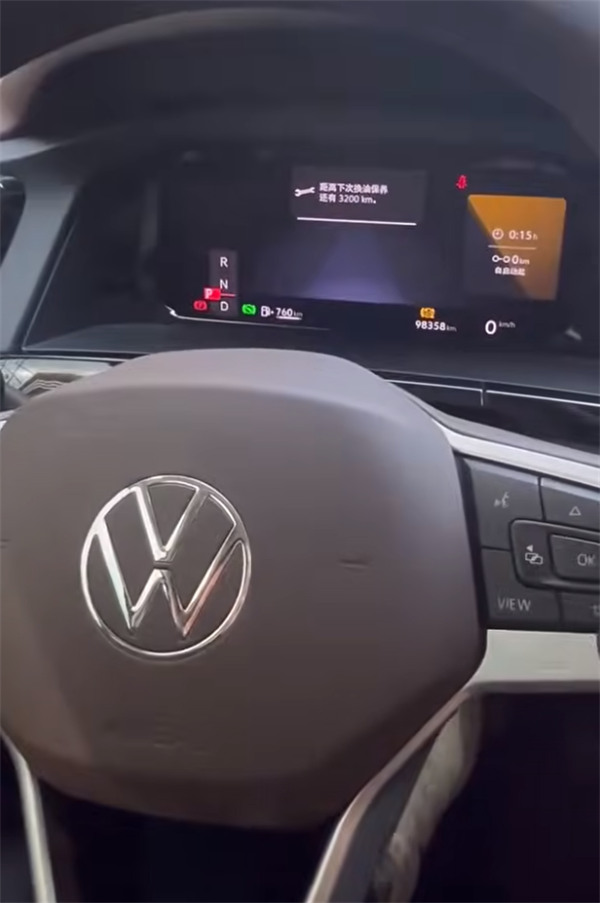
The VW MQB 5C/5D key learning procedure is now completed successfully using the CGDI A2 key programmer.