Newsletter
How to Calibrate Lexus R7F701441 Mileage Using CG100X (CAN Mode)
This guide explains how to calibrate the odometer mileage on a Toyota Lexus instrument cluster equipped with an R7F701441 MCU using the CGDI CG100X programmer in CAN connection mode.
Requirements
Software:
- CG100X software version V1.9.8.0 or later
- [Free download CG100X V1.9.8.0]
Hardware:
- CGDI CG100X Programmer
- 35X-CAN Adapter (included with the CG100X package)
- Lexus R7F701441 Instrument Cluster

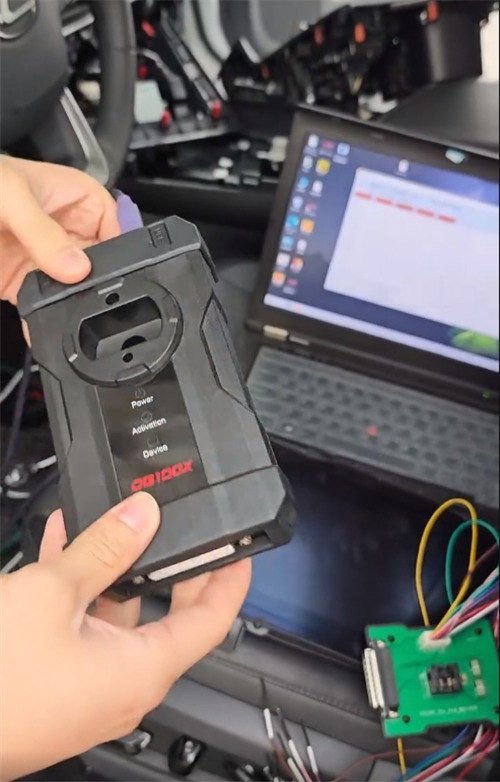
Connection Steps:
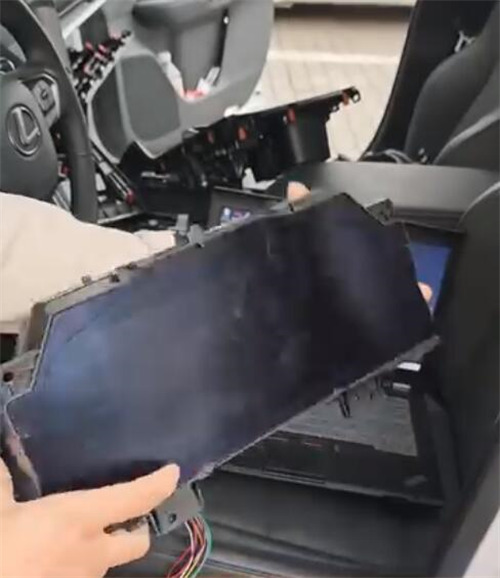
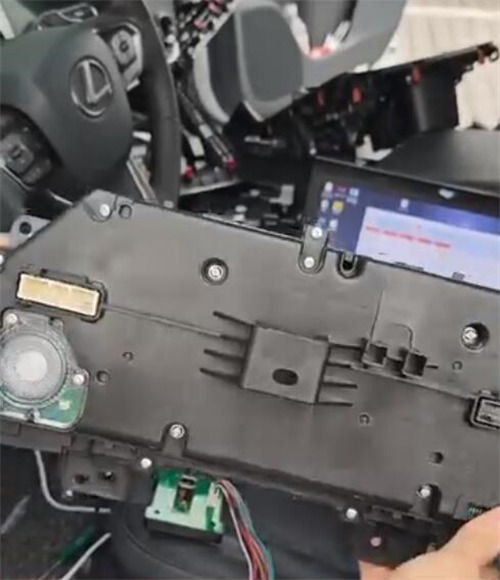
1. Connect the instrument cluster to the CG100X using the 35X-CAN adapter.
2. Important: Follow the exact wiring diagram shown in the CG100X software to ensure proper pin configuration.
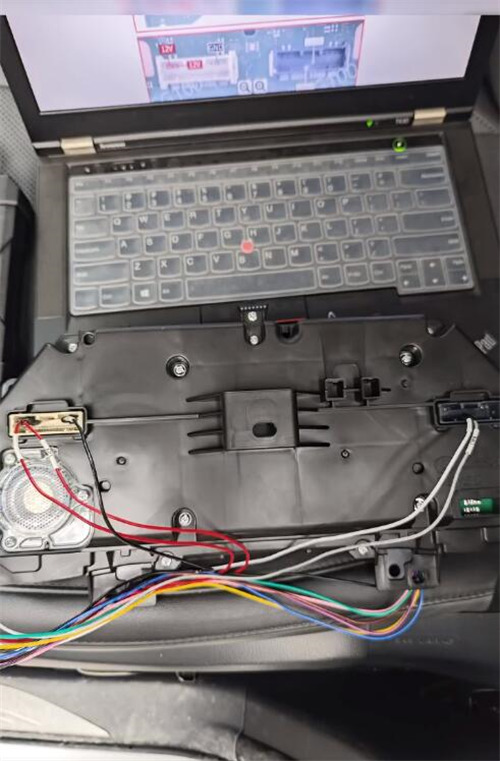
Calibration Steps:
1. After the connection is established, read the current data from the dashboard.
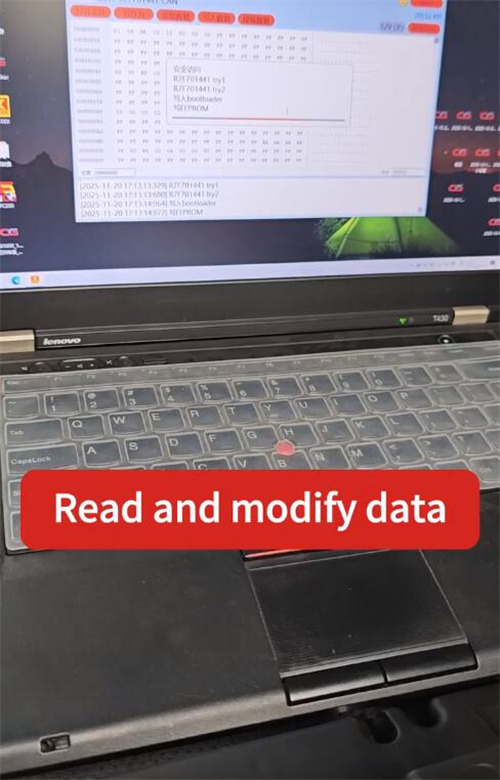
2. Modify the mileage value to the desired number.
Verification
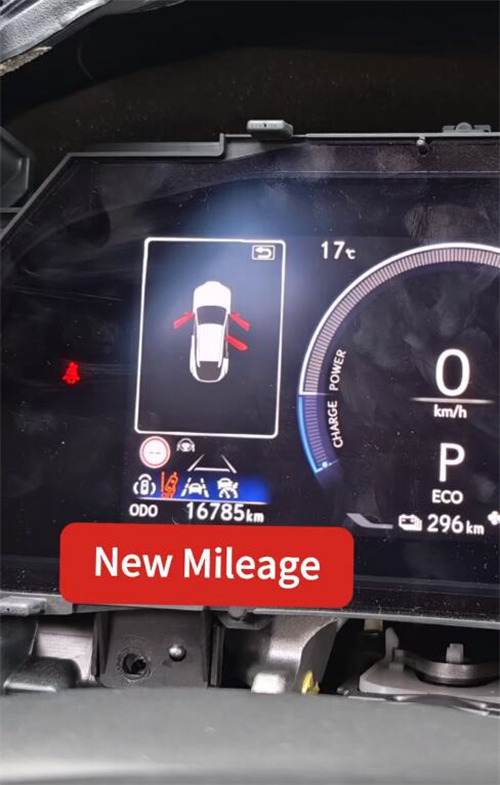
Once calibration is completed, the cluster will display the updated mileage.
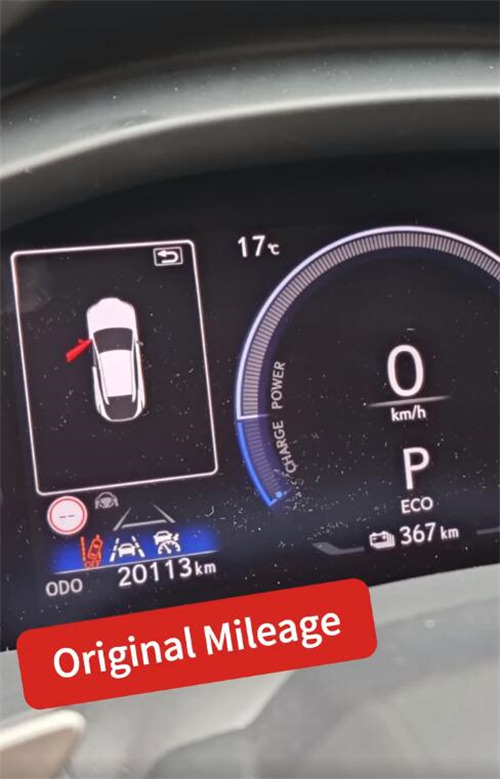
In this example, the original mileage of 20,113 km was successfully adjusted to 16,785 km.