Newsletter
CG100X Bench Mode BCM Cloning for Hyundai Venue Bladekey (R7F701033)
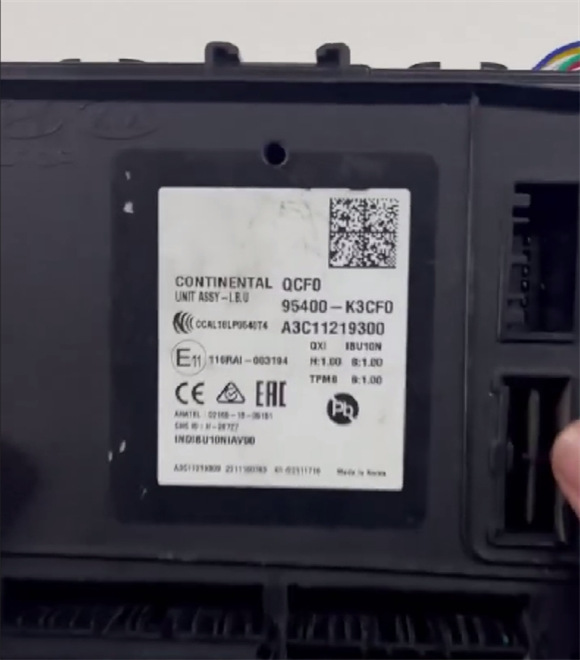
A Hyundai Venue BCM (R7F701033) was damaged and successfully cloned using the CGDI CG100X Programmer.
Procedure:
1. Remove the BCM housing from the Hyundai Venue.
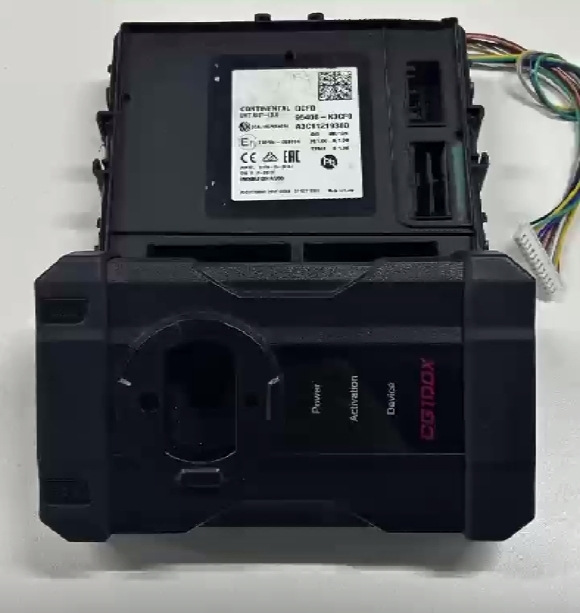
2. Use the CG100X Pro V2 cable to correctly connect the Hyundai BCM to the CGDI CG100X.
3. Power on the CG100X.
4. Connect the CG100X to a PC via a USB cable.
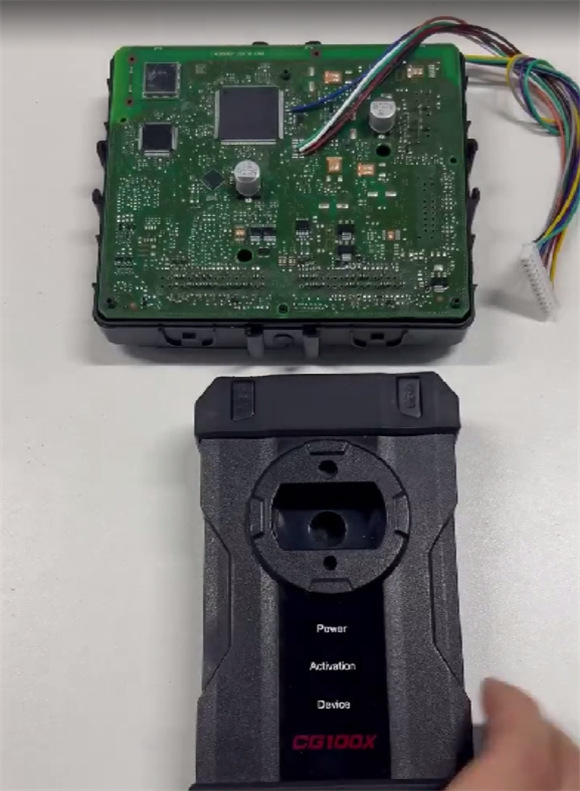
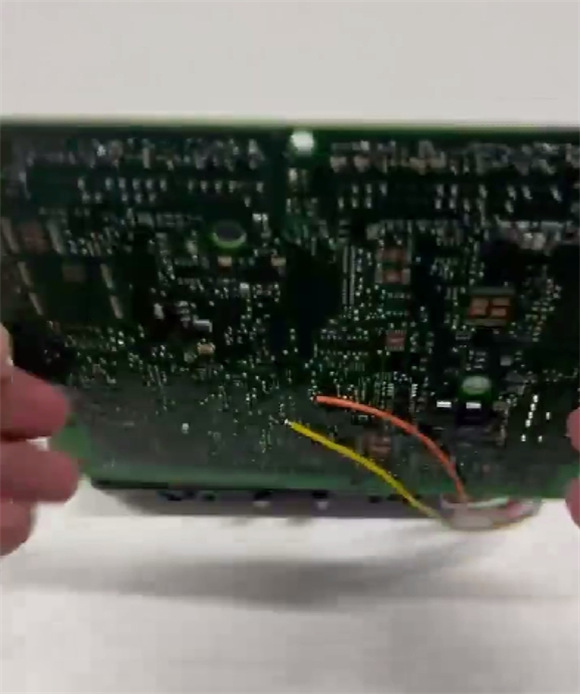
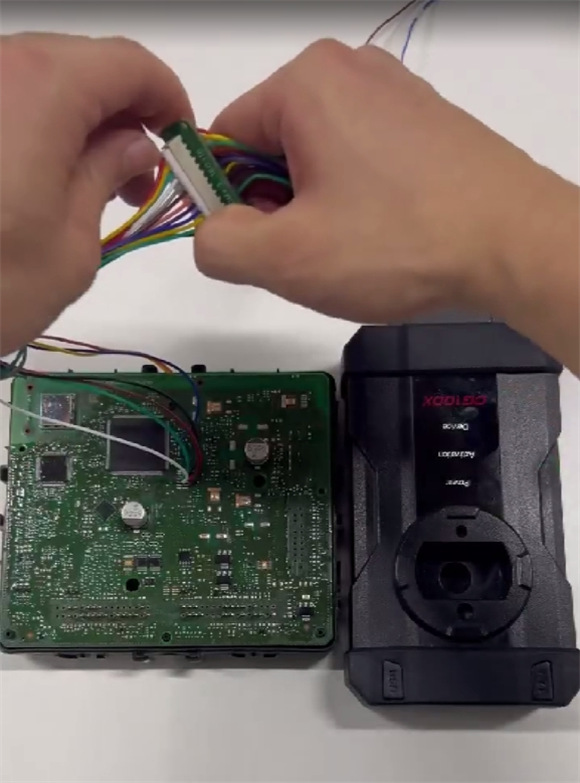
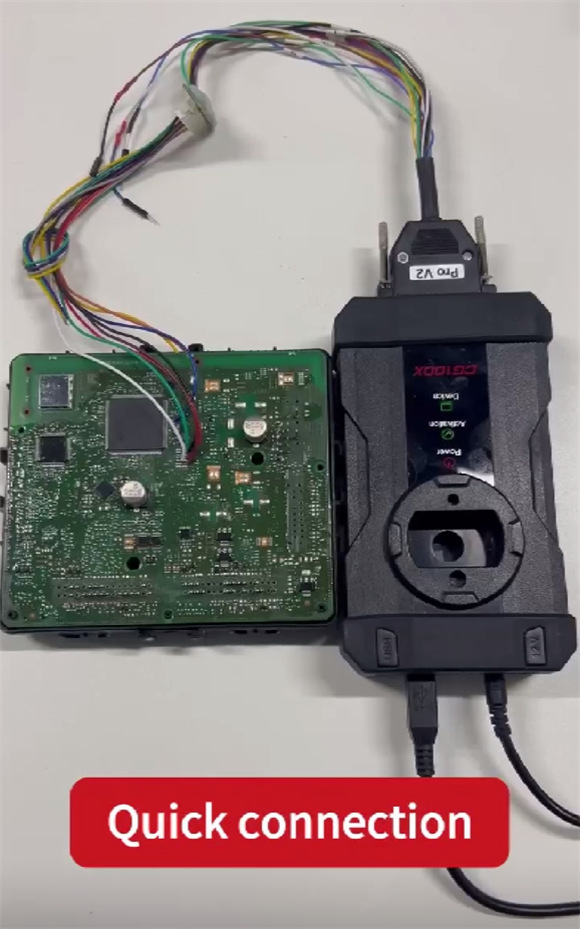
5. Launch the CG100X software and navigate to:
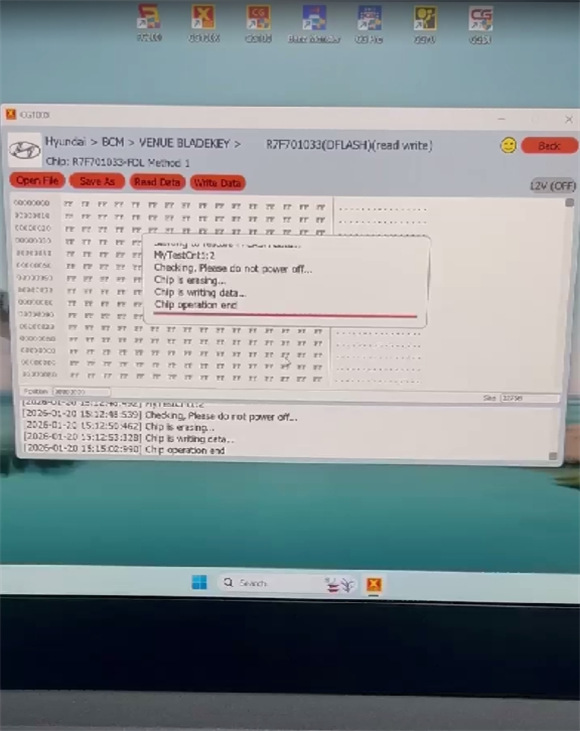
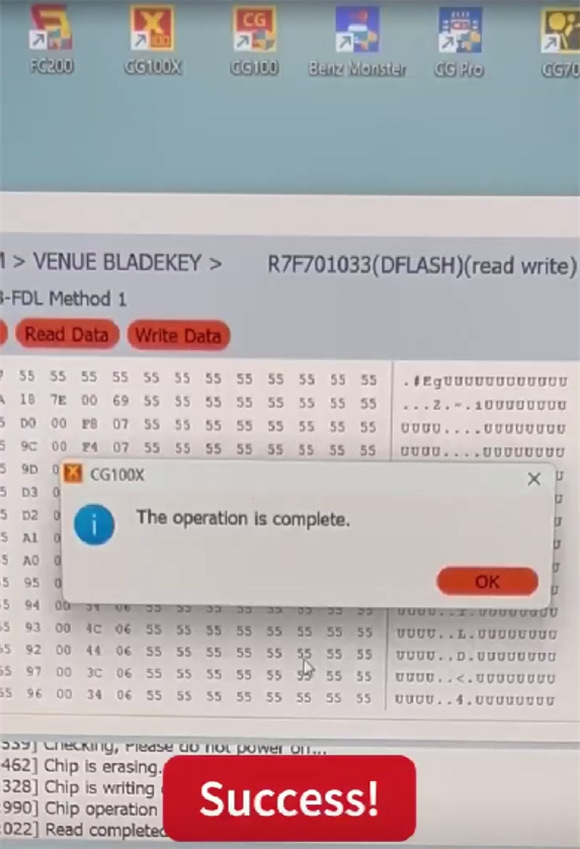
BCM → Hyundai → BCM → VENUE BLADEKEY → 2022– R7F701033 (DFLASH) (Read/Write)
6. Read and write the data successfully.